LoneScale for Slack
Your CRM, one message away
Ask @LoneScale in Slack to enrich a contact, source new ones, check who is already in HubSpot or Salesforce and prep your next call. Every rep acts as themselves, with their own CRM owner and credits.

Know who is already in your CRM before you spend a credit
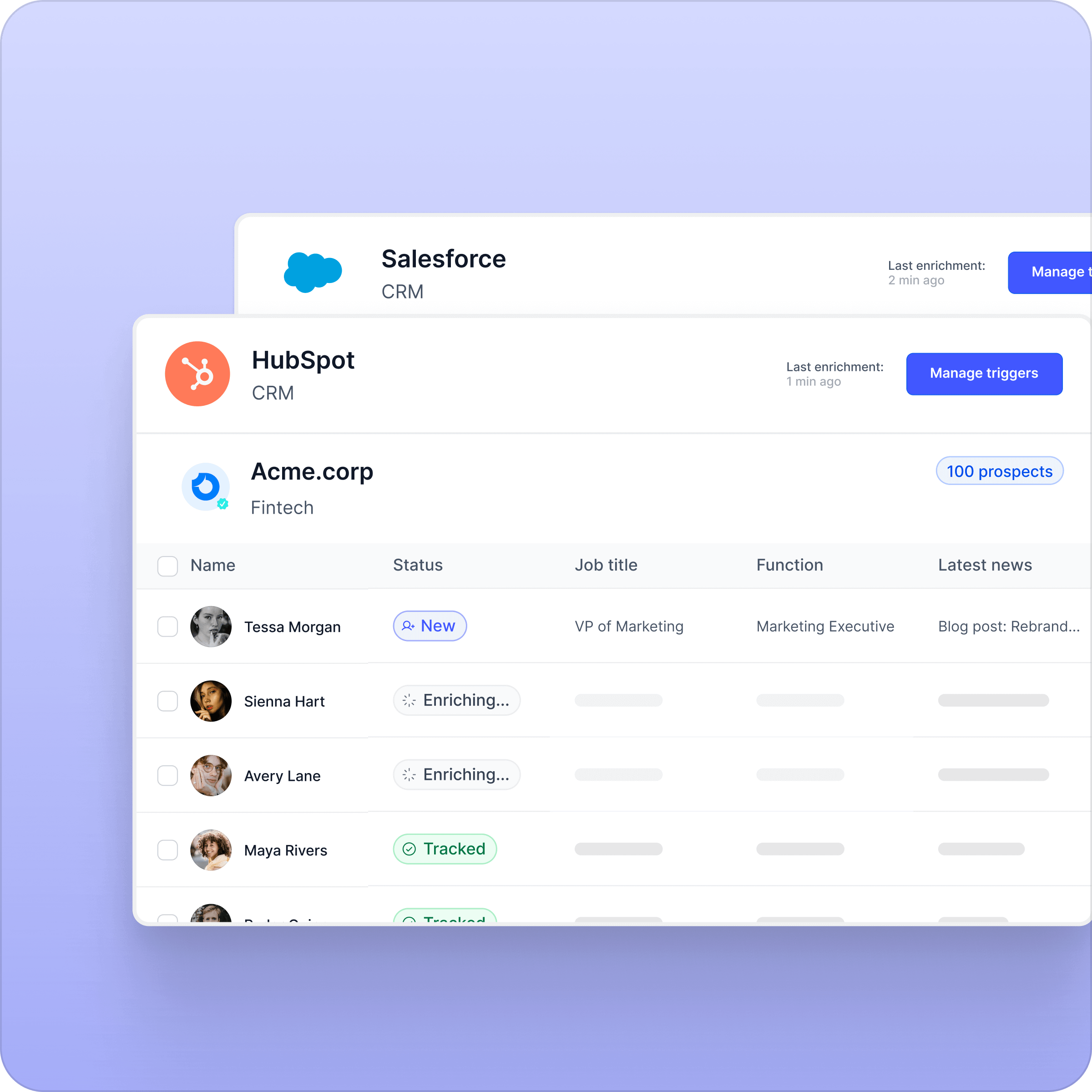
Ask for a contact by name and company. The bot tells you whether they exist in HubSpot or Salesforce, who owns the record, and which email and phone are already on file. Then it offers the next step as a button: enrich, update the CRM, or skip.

Enrich and update the CRM in one click
Verified email, mobile phone, and the record updated with the rep as owner. Enrichments are metered on each rep's own quota, never on a shared pool, so admins keep control of spend.
Source new contacts, skip the duplicates
Ask for five Heads of Sales at an account. The bot sources them, flags the ones already in your CRM, and only adds net-new people. Long searches keep running and report back in the thread.

A call brief in 30 seconds
Ask what you know about an account, the last touch, your open deals, or a brief before a call. LoneScale reads your HubSpot history and answers in the thread: account context, open deals, talking points and a first message to send.
Identity
Every rep acts as themselves.
The bot recognises each rep by their Slack email and works with their own LoneScale account: their CRM owner for assignments, their credits, their permissions. Nothing runs under a shared admin account.
CRM
HubSpot and Salesforce, read and write.
Search, owners, deals and activities come straight from your CRM. Enrichments write back to the existing record or create one, assigned to the rep who asked.
Live
Answers stream in, with the step shown.
You see "Searching the CRM", "Enriching", "Writing the brief" while it works, then the answer types itself in the thread. Long jobs like sourcing keep going and report back.
Setup
Live in five minutes.
Connect Slack from LoneScale, invite @LoneScale to a channel, and ask. Admins link members to CRM users in one click and set per-rep credit quotas.
Bring your CRM into Slack
Install LoneScale for Slack from the Slack Marketplace or from your LoneScale integrations page. Works with HubSpot and Salesforce.